

Design inside VS Code and Cursor
Draw, edit, and reuse designs beside your code. Work by hand or with your choice of AI.
Available for macOS, Windows, and Linux. Also in VS Code and Cursor.
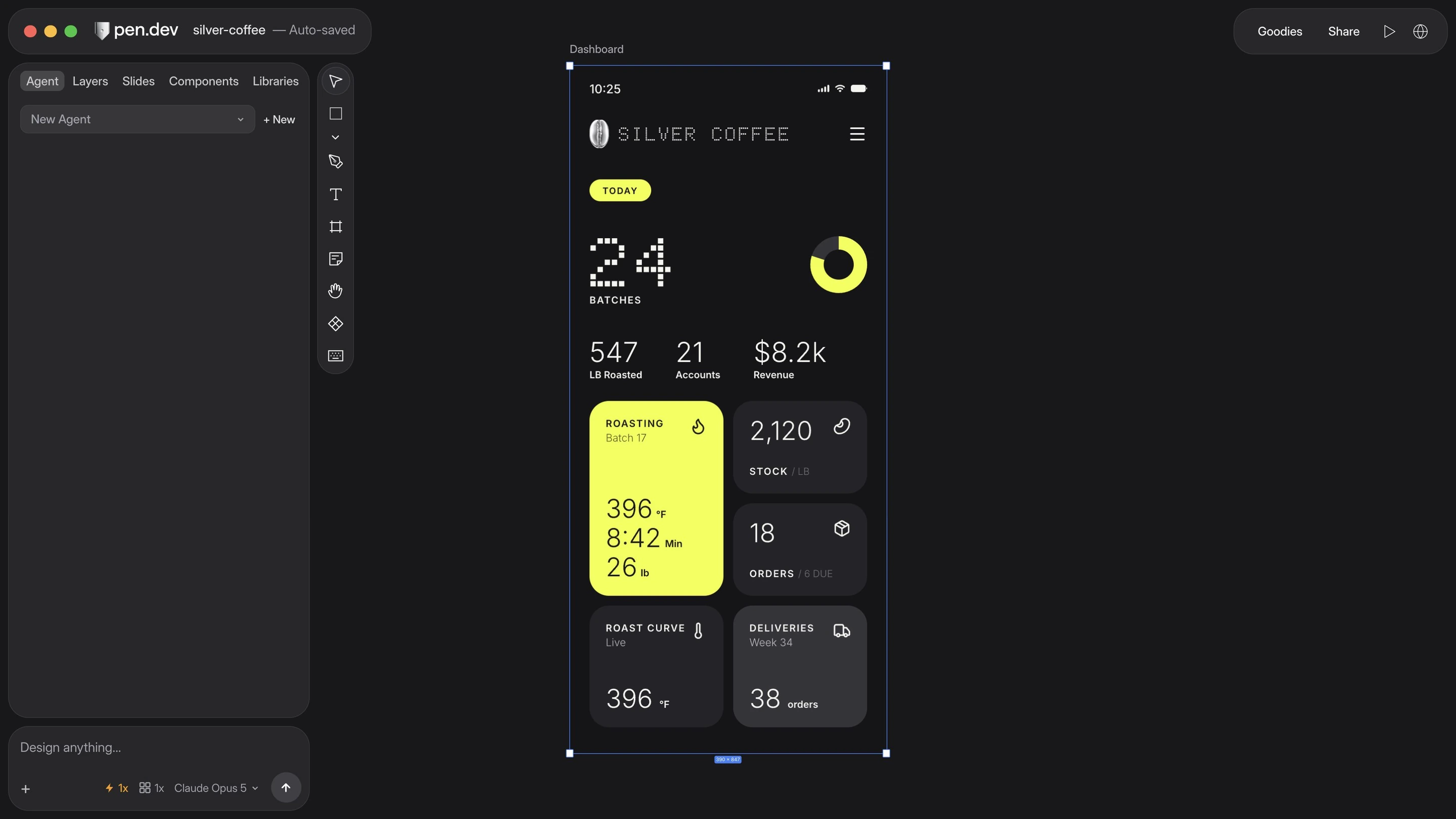
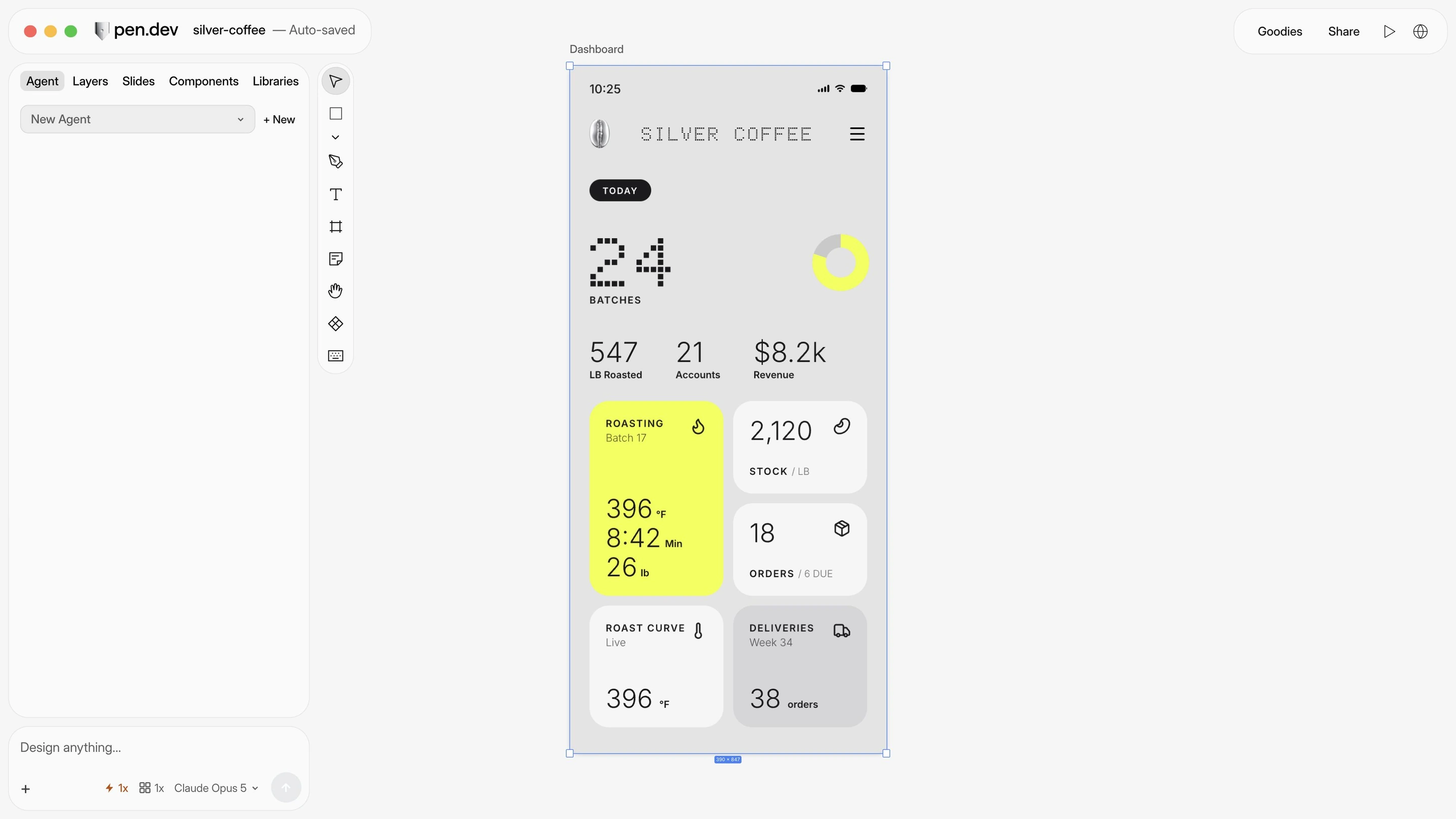


Your IDE. Precise drawing tools. Reusable components.
| Feature |   | Wonder |
|---|---|---|
| Edit designs in VS Code or Cursor | ||
| Draw and edit vector shapes | On the roadmap | |
| Create reusable components | In development | |
| Use a Linux desktop app | ||
| Preview your running app | Desktop app | Desktop app |
| Export designs as SVG | ||
| Use your AI subscription in the app | ||
| Import editable Figma designs | Desktop app | Figma connection required |
| Import websites without a browser extension | Desktop app | From app preview |
| Automate designs without opening the app | ||
| Run multiple AI agents at once | Paid plans | |
| Reuse colors and styles across designs | ||
| Comment on designs | Coming soon | |
| Share design files | ||
| Share a link to your design | Snapshot links | |
| Edit together in real time | Coming soon |
Import from Figma or a live page in the desktop app. Keep creating and editing from there.


Import a Figma page with its images in the desktop app.


Import a webpage or your local app with the desktop browser.

Copy a webpage from Chrome and paste it into the desktop app to edit.
A full canvas in VS Code and Cursor.
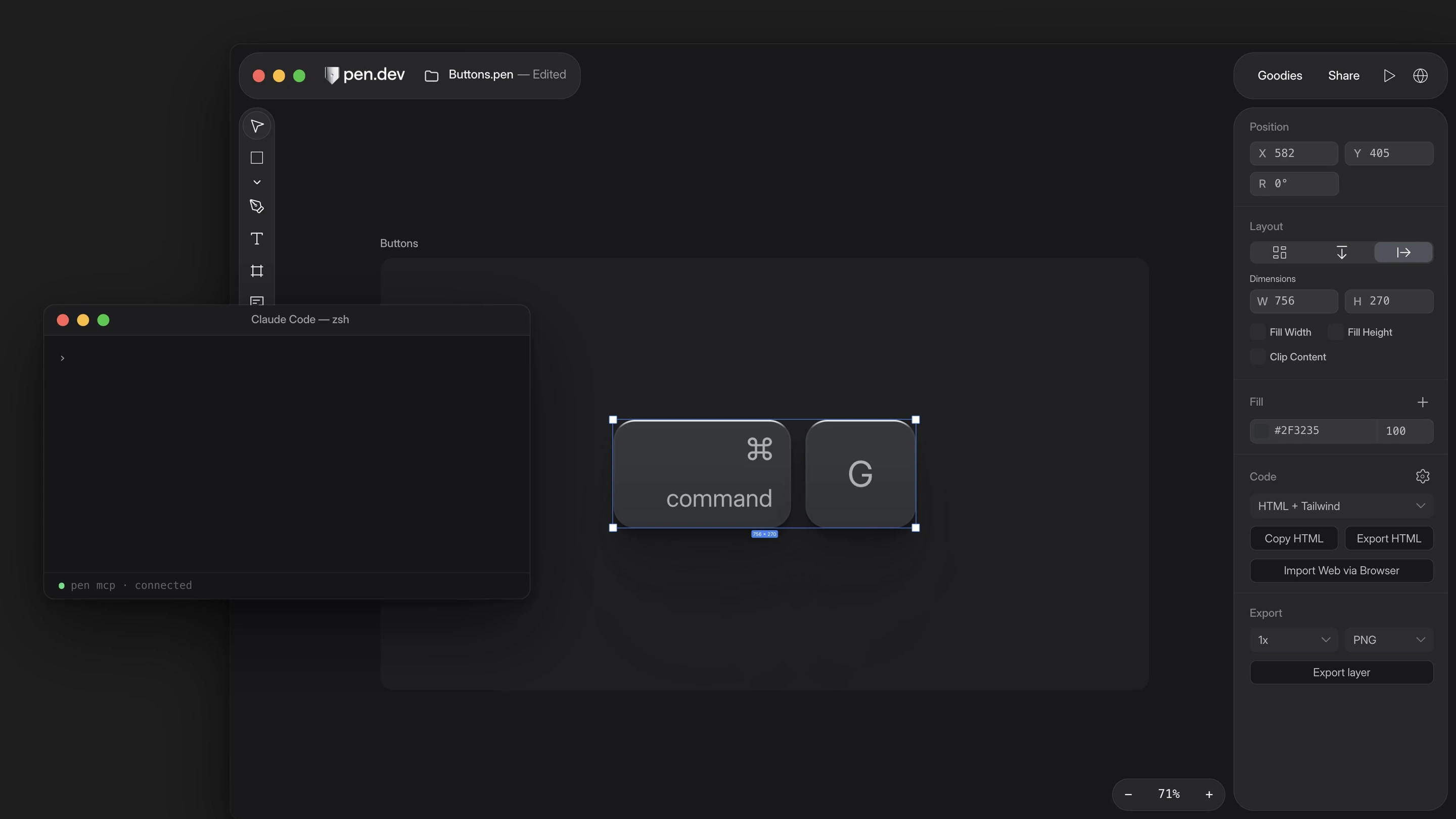
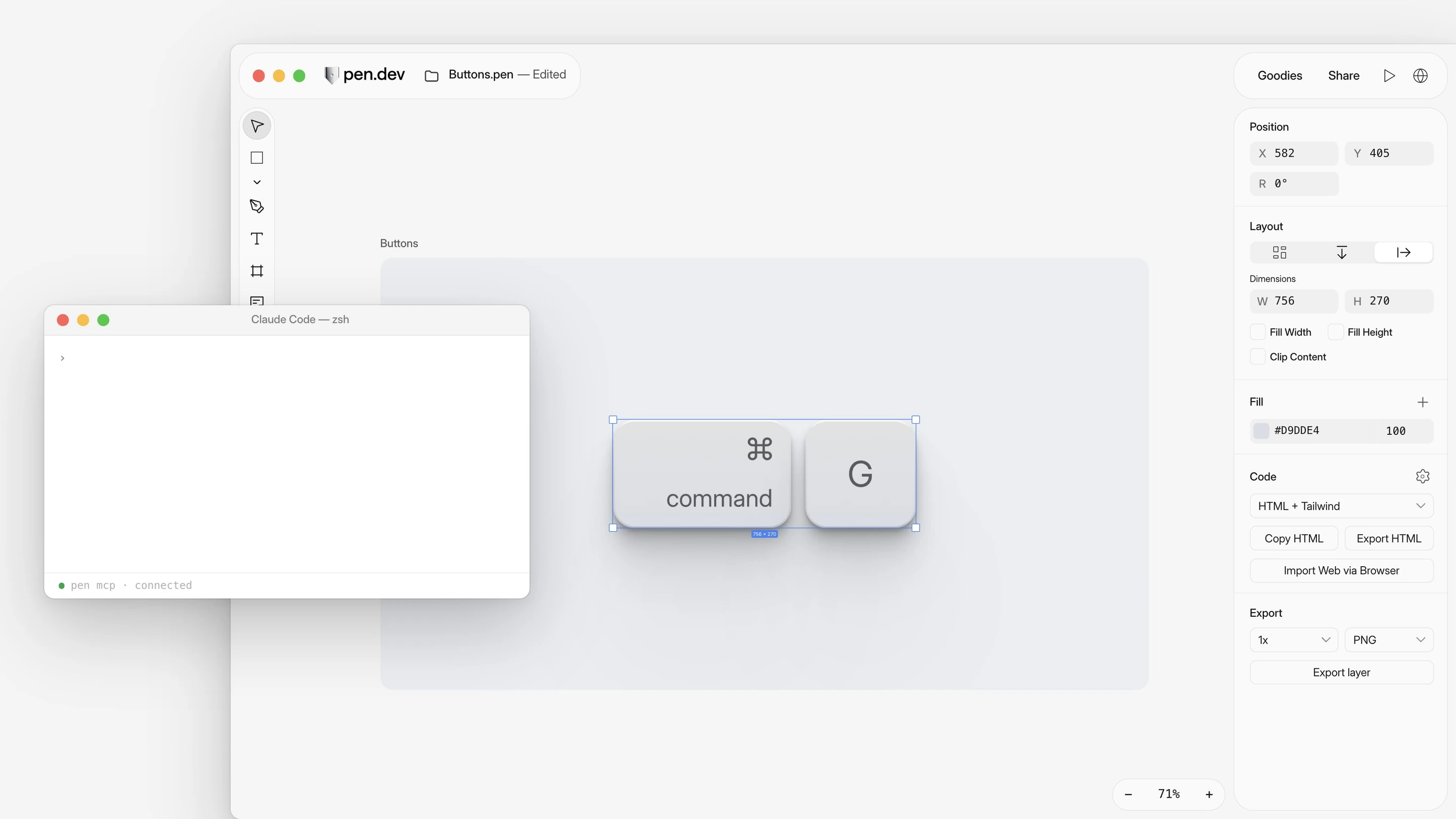

Download pen.dev for macOS, Windows, or Linux, or add it to VS Code or Cursor.