

Take control of every shape and screen
Draw and edit by hand or with AI. Reuse components and switch themes, right inside VS Code or Cursor.
Available for macOS, Windows, and Linux. Also in VS Code and Cursor.
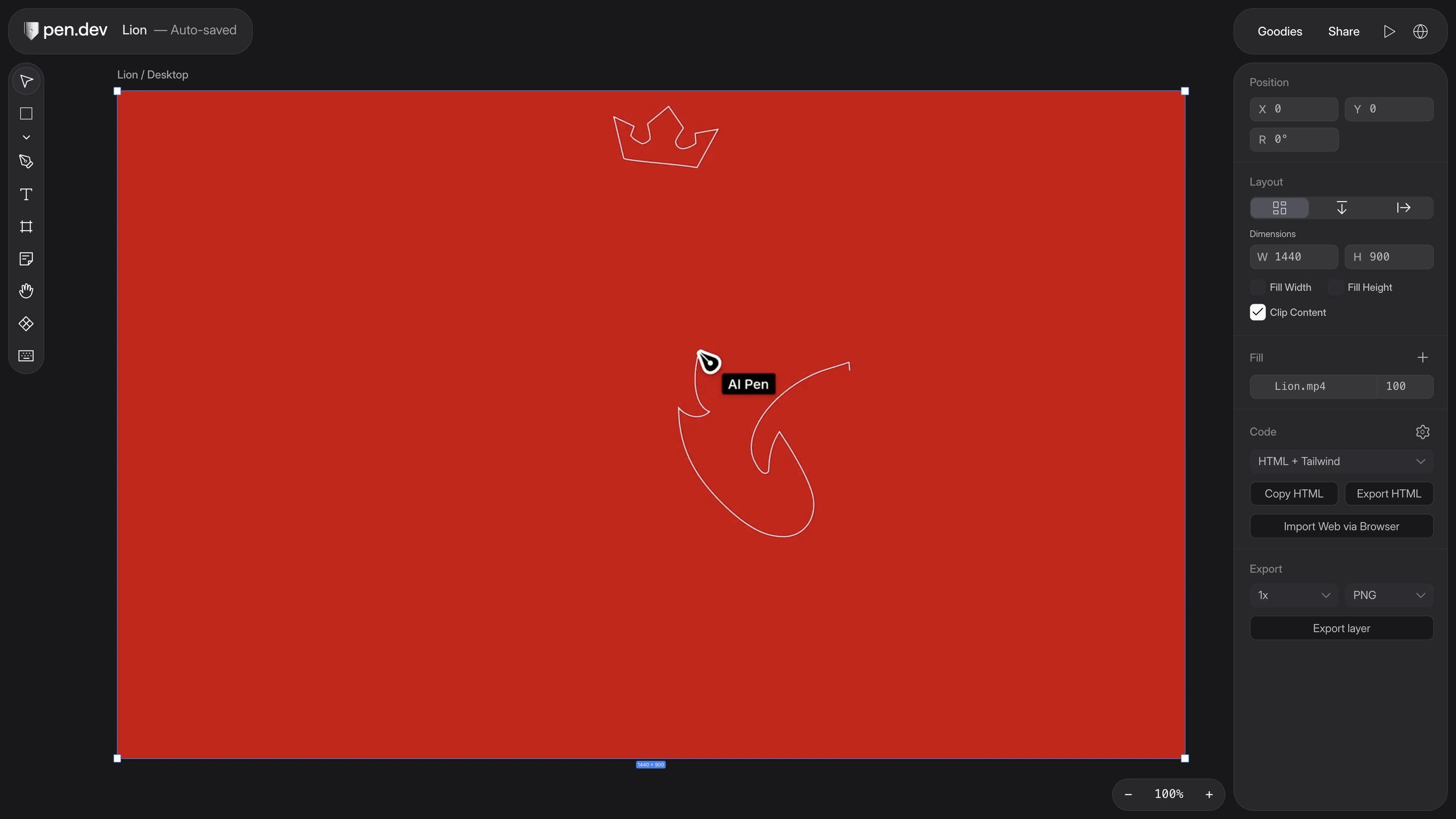
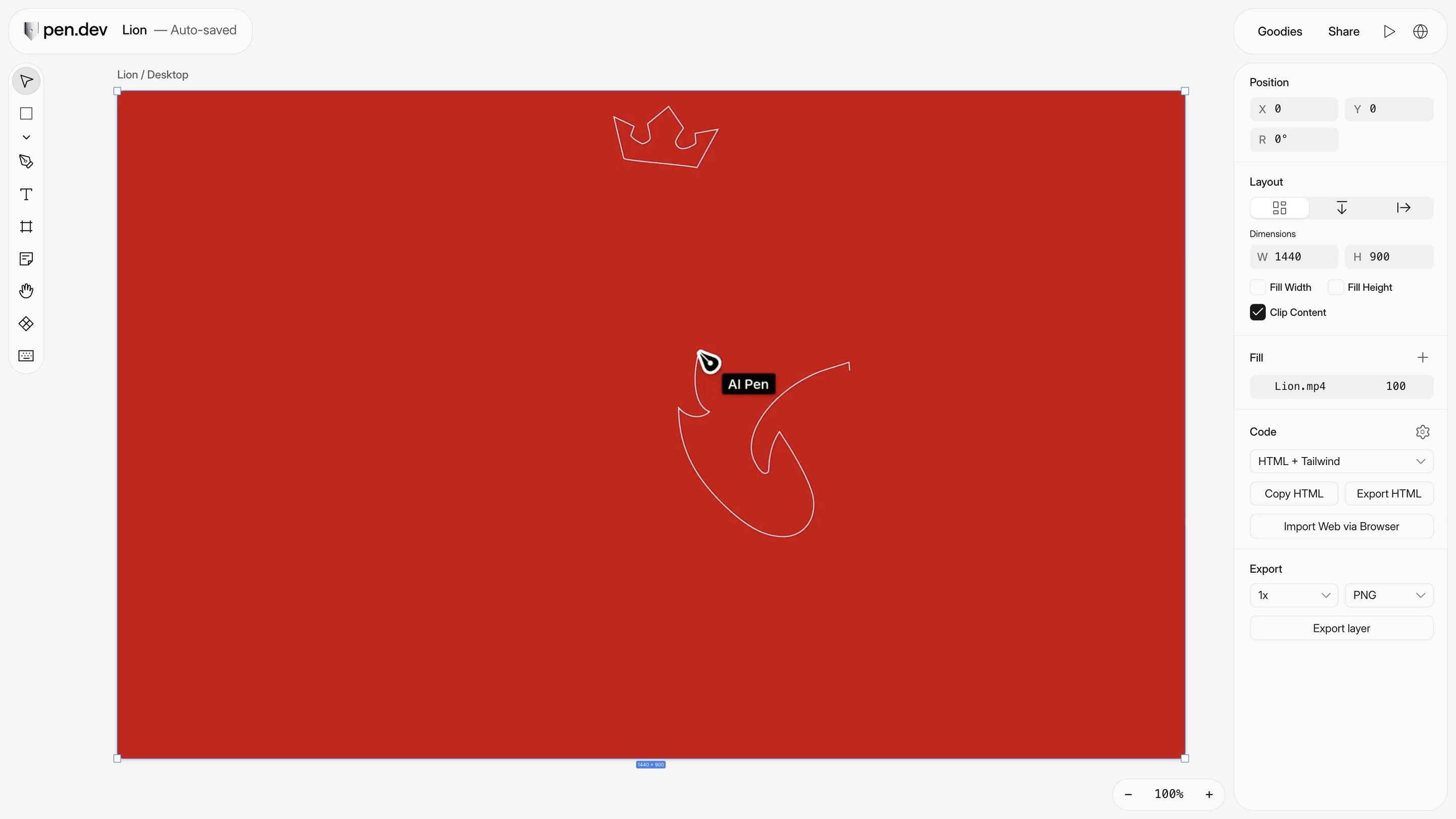


Edit the details yourself. Reuse your designs. Keep working beside your code.
| Feature |   | OpenDesign |
|---|---|---|
| Import editable Figma designs | Desktop app | Rebuilt as code |
| Create reusable components | Code components | |
| Give AI your project’s design rules | ||
| Turn screenshots into editable designs | Generates code | |
| Comment on designs | ||
| Share design files | ||
| Share a link to your design | Snapshot links | |
| Edit together in real time | Coming soon |
Reuse your components and styles. Fine-tune every screen.


Draw paths, adjust curves, and bring SVGs onto the canvas as editable layers.

Update a component across your designs. Customize individual copies when needed.


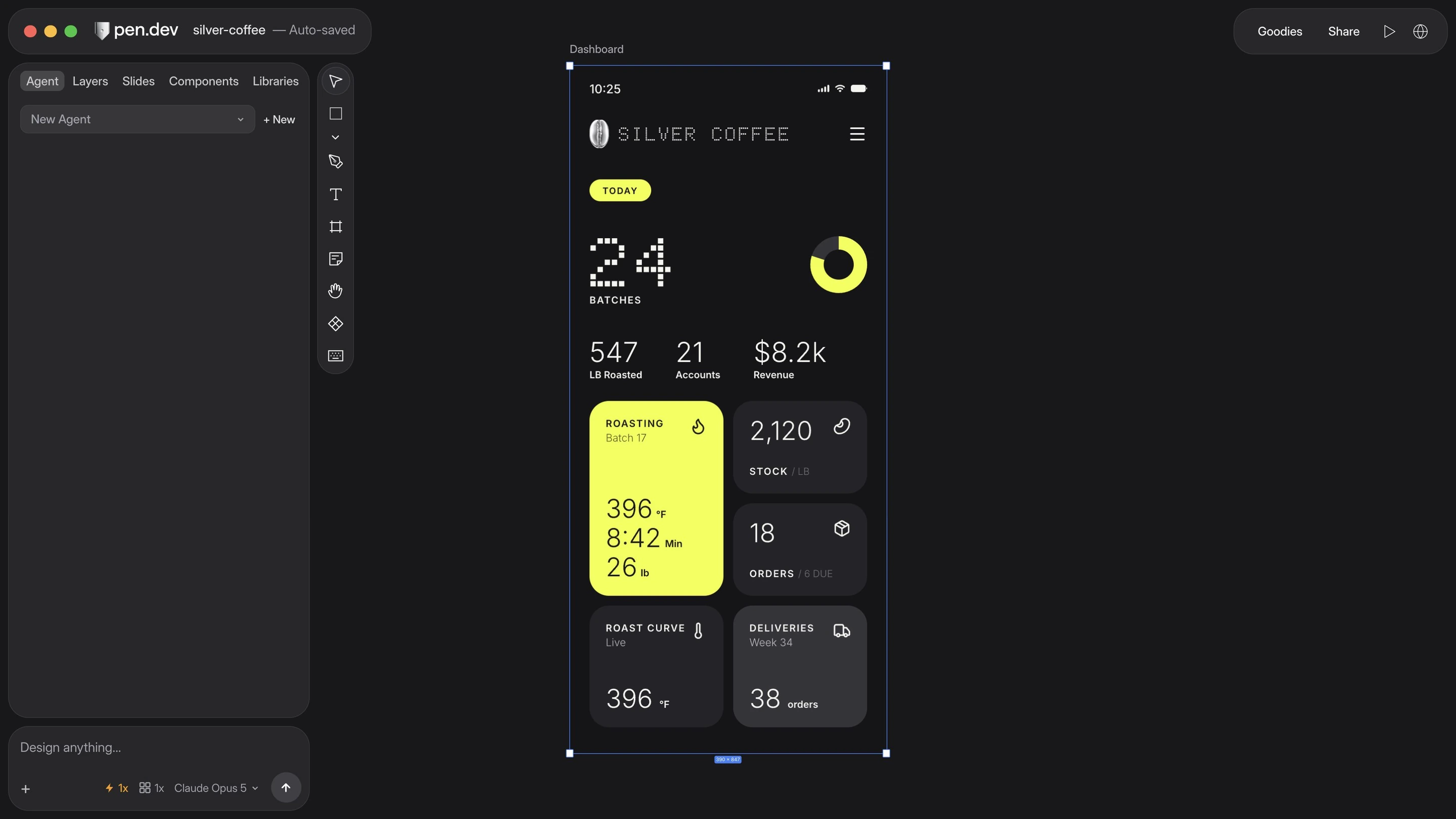
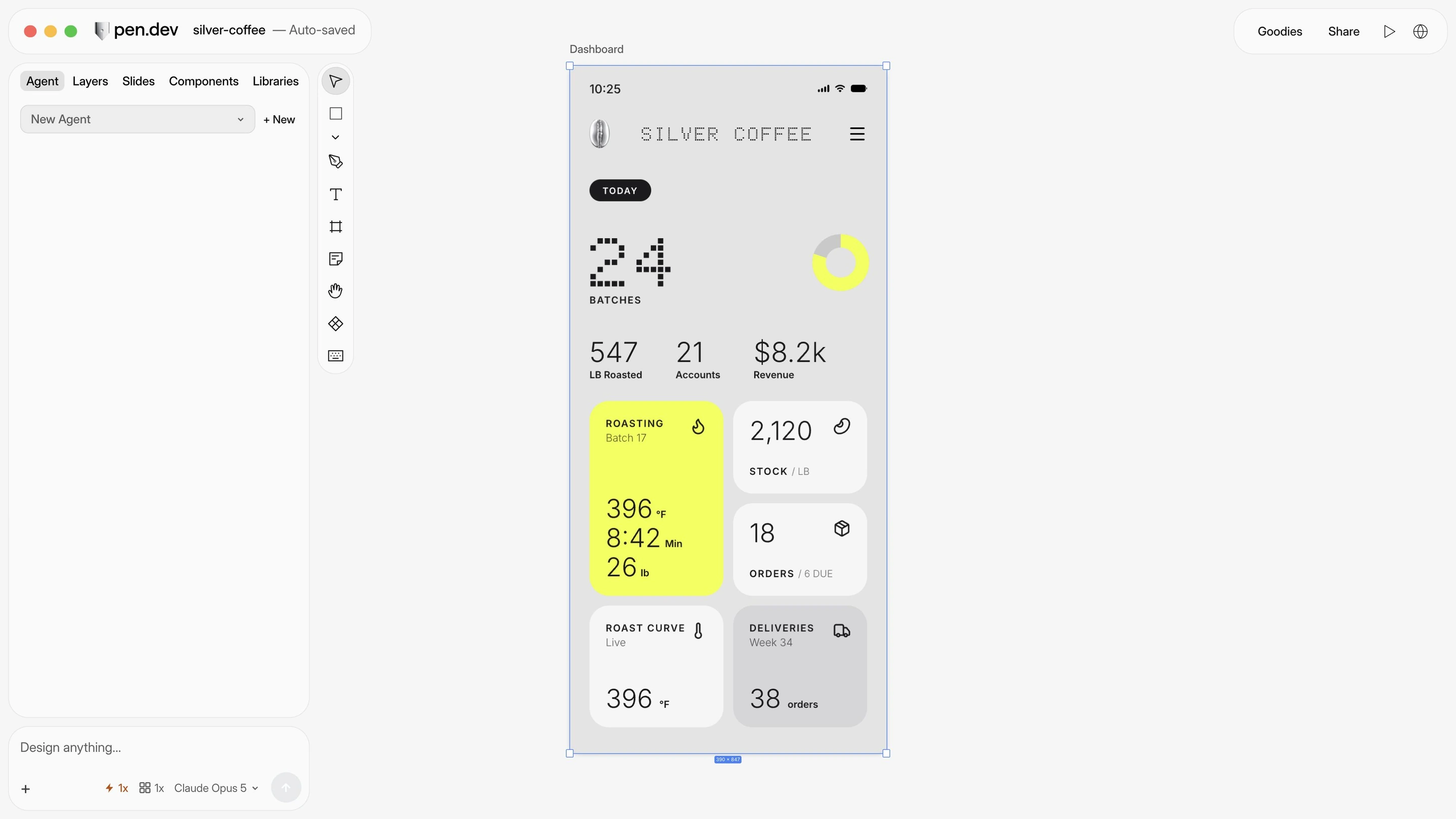
Switch between light, dark, and other themes on the same design.
Refine the same canvas, together.

Download pen.dev for macOS, Windows, or Linux, or add it to VS Code or Cursor.